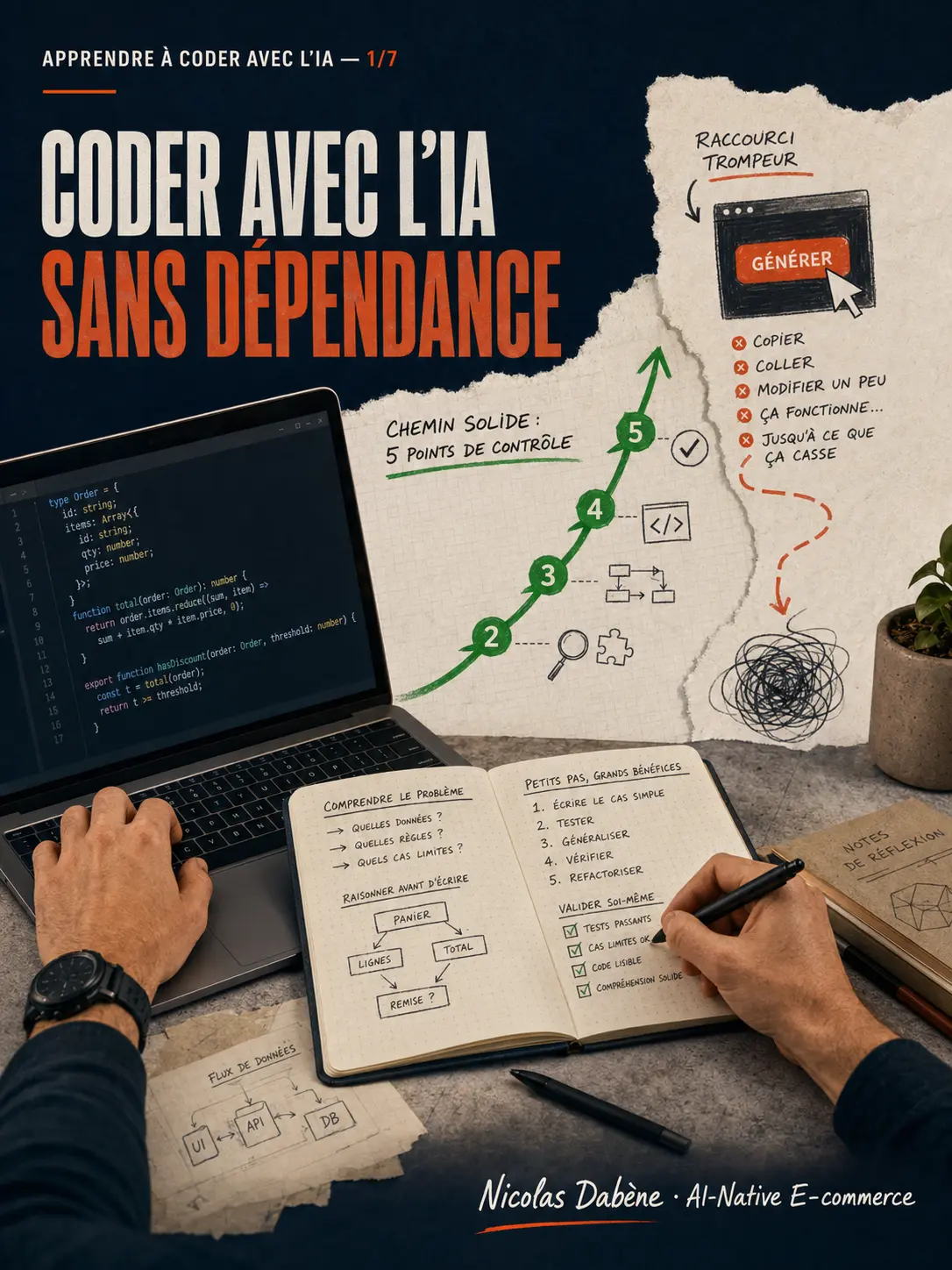
"Learning to Code with AI" Series — Article 1/7
TL;DR
Claude Code and Codex can accelerate a junior developer's learning. But they can also create the illusion of progress simply because an application works. The right method comes down to five verbs: understand, attempt, ask, verify, explain.
A Working Application Doesn’t Prove You Know How to Code
Today, a beginner developer can ask an agent to create a complete application in just a few minutes.
A login page. A dashboard. API calls. Some tests. A clean interface.
Everything works. Yet, it often takes just three questions to uncover the problem:
- Why is this component executed client-side?
- What happens if the API returns invalid data?
- How can you modify the behavior without regenerating the entire feature?
If the developer can’t answer, they haven’t yet learned how to build the application. They’ve learned how to ask for one.
The issue isn’t Claude Code or Codex. The issue is the disappearance of the learning loop: try, fail, search, understand, correct.
AI Removes Friction—Including the Kind That Helps You Improve
Some of the difficulty in development is unnecessary. Spending an hour finding a typo doesn’t make anyone a better architect.
AI can eliminate this friction. It can explain an error, locate a file, prepare a test, or compare two solutions.
But some challenges are formative:
- breaking down a problem that’s too broad;
- reading documentation;
- formulating a hypothesis;
- understanding a type error;
- choosing between multiple implementations;
- measuring the consequences of a dependency.
If the agent also makes these decisions, the junior gets the result without building the reasoning.
Our Guiding Example: A Mini-Dashboard
In this series, we’ll follow the construction of a mini-dashboard with TypeScript, React, and Next.js.
It will display a few metrics fetched from an API: service status, simulated CPU load, memory usage, and disk space. It will need to handle loading, errors, invalid data, and several useful tests.
This project is intentionally simple. Yet, it contains everything needed to learn:
- turning a requirement into small tasks;
- distinguishing data from display;
- typing an external response;
- managing interface states;
- writing and verifying tests;
- debugging an error;
- refactoring without rewriting everything.
The goal will never be to go as fast as possible. It will be to know what we’ve learned at each step.
The Five-Verb Method
1. Understand
Before writing a prompt, rephrase the problem. What are the inputs? What result do you expect? What cases could fail?
You can use the agent to clarify a concept, but not to silently decide what you wanted to build.
2. Attempt
Write a first version. It can be incomplete or awkward.
This attempt gives the AI something much more useful than a vague request: your current reasoning. The agent can then review it, identify a misunderstanding, and explain a precise improvement.
3. Ask
Don’t automatically ask for the complete solution.
Ask for a hint, an explanation, a review, or two possible approaches. The more targeted the request, the more educational the response can be.
4. Verify
Read the diff. Run the code. Check the types. Run the tests. Observe the behavior in case of an error.
An agent can be wrong with great confidence. The quality of a response isn’t measured by its appearance, but by what you can verify.
5. Explain
After making the change, close the AI’s response and explain the code in your own words.
If you can’t explain an important line, you haven’t finished the task. You’ve only identified what’s left to learn.
A First Prompt That Protects Learning
I’m new to TypeScript and React.

Don’t modify any files yet.
Start by asking me the questions needed to verify my understanding of the requirement.
Then ask me to propose a breakdown myself.

When I share my approach:
1. point out what’s correct;
2. flag the risks without immediately giving the solution;
3. give me a first hint;
4. wait for my next attempt.

If I finally ask for a modification, present the plan and the affected files before acting.
This prompt doesn’t make the agent less powerful. It gives it a different role: it becomes a teaching partner instead of an automatic generator.
Claude Code or Codex: The Method Remains the Same
Both tools can explore a repository, modify files, execute commands, and participate in validation. Their interfaces, instruction mechanisms, and permissions differ, but the principle of control remains the same.
The junior must know:
- what the agent is going to do;
- which files have changed;
- how the result was verified;
- how to revert changes;
- what they personally understood.
The official documentation presents the main workflows for Codex and Claude Code. They should remain the references for current capabilities and configuration.
The Right Metric Isn’t the Number of Lines Produced
At the end of a session, don’t just ask: “Does the feature work?”
Ask yourself instead:
- Can I explain the key choices?
- Could I trace the origin of a bug?
- Can I modify this feature without regenerating everything?
- Did I learn something transferable to another project?
AI can speed up production. Your role is to ensure it also speeds up your understanding.
In the next article, we’ll prepare the mini-dashboard before letting an agent write a single line of code.