
Contents
« Which products are out of stock, and from which suppliers can I order them? »
RSS
RSS sends new articles to the reader of your choice, without an algorithm or newsletter.
The question seems simple. Yet, to answer it correctly, the assistant must know the inventory, product variations, and suppliers associated with each product. It must also understand what the merchant expects: an actionable list to prepare restocking.
Since the arrival of Ask AI in PrestaShop, I’ve seen mixed reactions. Some see it as a helpful tool for managing their store, while others are left unsatisfied with the results. Before concluding that the tool is useless, there’s one possibility to explore: giving it access to tools tailored to our specific needs.
In this article, I’ll guide you through creating a "Superpowers" module capable of identifying out-of-stock products and their suppliers. We’ll then see how to extend this idea with a PDF restocking report.
Key Takeaway: An MCP tool exposes a function to an AI assistant. It does not guarantee that the assistant will use it correctly every time. The quality of the result also depends on the code, data, and client used.
Ask AI, MCP, and Modules: Who Does What?
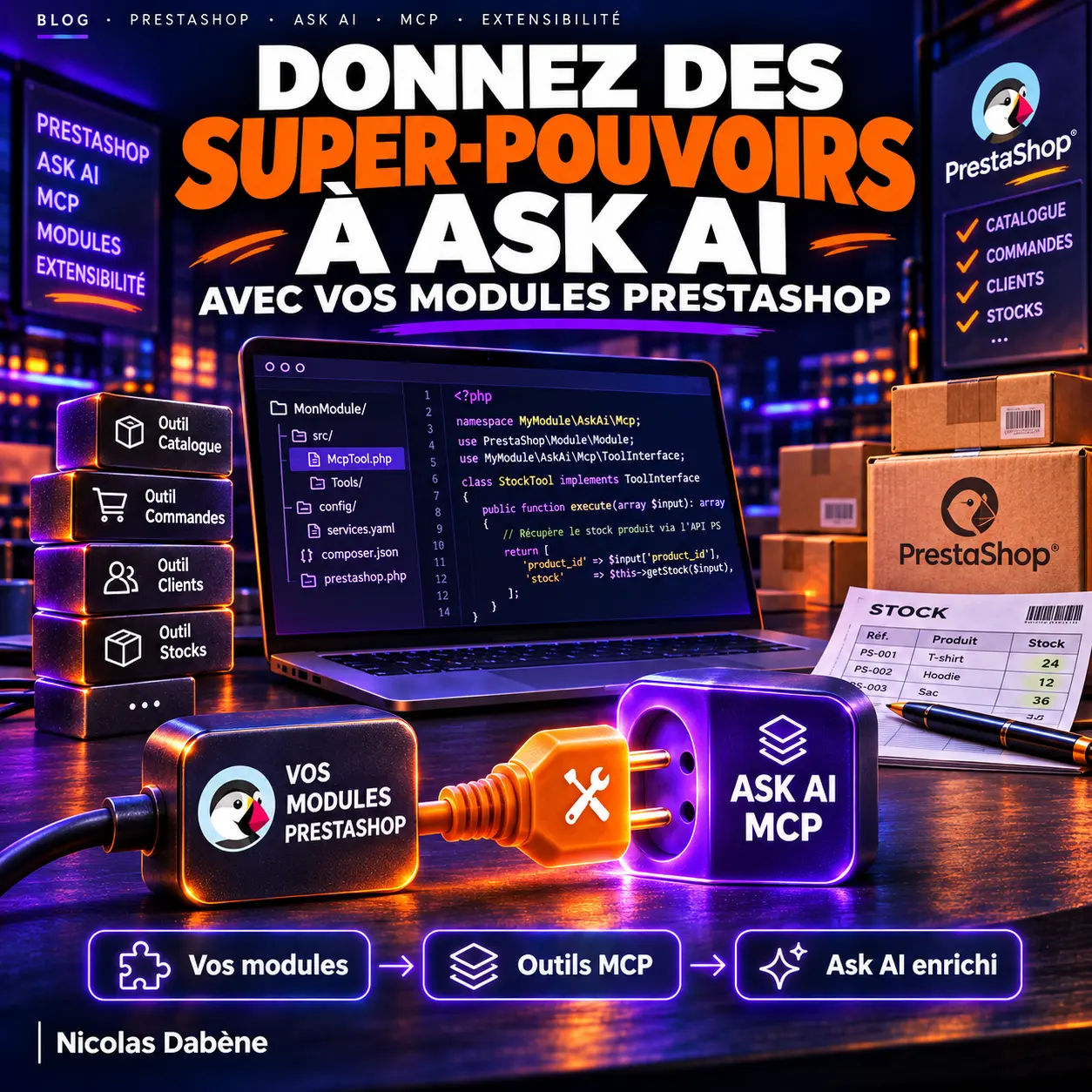
Ask AI is the interface through which the merchant interacts. The PrestaShop MCP Server acts as a gateway to the functionalities exposed to an AI application. Compatible modules, for their part, can declare their own tools.
Concretely, a tool is a function given a name, a description, and, if necessary, parameters. The assistant can select it to respond to a request. The function then executes its PHP code and returns a result.
The process looks like this:
- The merchant asks for out-of-stock products.
- The assistant identifies an available tool that matches this request.
- The MCP Server calls the module’s code.
- The module retrieves the information and returns it.
- The assistant presents the result to the merchant.
The official documentation allows modules to declare themselves MCP-compatible and expose their own tools. However, a tool discovered by the server will not necessarily be visible or used by all AI clients in all configurations. The visibility and actual call from Ask AI must be verified on the installation used.
Standard tools already know how to query certain stock and catalog data. Our focus here is to create a targeted business function that gathers out-of-stock items and supplier information in a result tailored for restocking. The list of standard capabilities shows what is already available.
Before Coding: Prerequisites
The help center indicates that PrestaShop MCP Server requires PrestaShop 8.2 or higher, or PrestaShop 9. On its side, PrestaShop 9 requires PHP 8.1 at minimum.
For this example, I’m assuming the following setup:
- A development or pre-production store running PrestaShop 9, with a PHP version supported by the exact version of PrestaShop installed.
- The PrestaShop MCP Server module and its dependencies installed and configured, in accordance with the installation documentation.
- Products, stock, and suppliers populated to verify the results.
- An MCP client connected for testing the tool, and then Ask AI if its access to custom tools is available in the chosen configuration.
Important: The following code snippets explain the mechanism but do not constitute a complete, tested module for a specific combination of versions. They should not be copied into production without adaptation and validation. The minimum version of Ask AI and the exact version of the SDK embedded in MCP Server must be verified for the installed version.
Is the MCP Server in PHP?
Yes: In this architecture, the PrestaShop MCP Server is provided by a module, and custom tools are declared in PHP. The documentation references the official PHP SDK of the Model Context Protocol among its dependencies.
The SDK helps manage protocol aspects. On your part, you write the business functionality: which data to retrieve, which parameters to accept, and what result to return. You don’t need to create a separate MCP Server for each compatible module.
To benefit from autocompletion and static analysis, PrestaShop also provides stubs to install as a development dependency:
composer require --dev prestashop/ps-mcp-server-stubs
These stubs describe the classes for development tools. They do not replace the MCP Server module, which provides the actual classes on the store. See the technical documentation.
Our Module: A Tool for Out-of-Stock Items
The "Superpowers" module could eventually group several tools. Let’s start with one: list_out_of_stock_products.
Its role would be to return products and variations with available quantities less than or equal to zero, along with their suppliers when provided. We could then ask it to limit the search to a specific supplier.
The expected result would look like this:
| Product | Variation | Available Stock | Supplier |
|---|---|---|---|
| T-shirt | Blue / M | 0 | Supplier A |
| T-shirt | Black / L | -2 | Supplier A |
| Bag | — | 0 | Not specified |
These data are fictional. A negative quantity must remain visible: it may have a different business meaning than a stock simply equal to zero.
1. Declare the Module MCP-Compatible
In the module’s main class, the documentation asks to add this method:
public function isMcpCompliant()
{
    return true;
}
This declaration tells the server that the module contains MCP elements to discover. It is not sufficient on its own: you must then declare the tools in the module’s src/ directory or in one of its subfolders.
2. Declare the Tool
Here’s the form the declaration could take, using the attributes documented by PrestaShop:
<?php

use PrestaShop\Module\PsMcpServer\Server\Attributes\PsMcpSchema;
use PrestaShop\Module\PsMcpServer\Server\Attributes\PsMcpTool;
use PrestaShop\Module\PsMcpServer\Server\Attributes\PsMcpToolAnnotations;

class StockTools
{
    #[PsMcpTool(
        name: 'list_out_of_stock_products',
        title: 'List out-of-stock products',
        description: 'Lists products and variations that are out of stock along with their suppliers.',
        annotations: new PsMcpToolAnnotations(
            title: 'List out-of-stock products',
            readOnlyHint: true,
            destructiveHint: false,
            idempotentHint: true,
            openWorldHint: false,
        ),
    )]
    #[PsMcpSchema(
        properties: [
            'supplier_id' => [
                'type' => 'integer',
                'description' => 'Supplier ID to filter by.',
            ],
        ],
        required: ['supplier_id'],
    )]
    public function listOutOfStockProducts(int $supplier_id): string
    {
        // To implement: retrieve out-of-stock items for the selected supplier,
        // then return a structured result, for example in JSON.
        throw new \LogicException('Stock search not implemented.');
    }
}
This snippet illustrates the declaration; it does not yet return any products. In this initial form, the supplier ID is mandatory. To list all suppliers, you’ll need to adapt the schema and signature or propose a separate tool, then verify the behavior with the installed server.
The description is important: it helps the AI client understand the function’s purpose. The annotations indicate that the tool is intended to be read-only. They do not replace access controls or a code review.
3. Retrieve Stock and Suppliers
This is where the business logic lies. SQL allows you to cross-reference data, but you must precisely define what you’re looking for before writing the query.
The PrestaShop documentation on stock states that StockAvailable is the reference source for available quantities, at the product or variation level. It also notes that stock can depend on the store or store group.
The product suppliers resource documents associations and supplier references. For our search, consider the following points:
- A product may have variations: a size may be out of stock while others are available. Avoid double-counting a summary line and its variations.
- A product may have multiple suppliers or none. Filtering by supplier and listing products without a supplier are therefore two distinct needs.
- In multistore environments, stock line selection must respect the context and configured stock sharing.
- A large store may have many results: a limit and pagination prevent silently truncating the response.
- Names and references depend on the provided data; a missing supplier reference should be presented as such.
A direct SQL query gives control but must remain parameterized, adapted to the targeted versions, and tested on representative cases. It must not accept free-form SQL generated by the assistant. Also, be cautious with customizations: PrestaShop provides a hook allowing modules to modify the returned quantity. Depending on the store, a direct read may differ from the quantity exposed by a PrestaShop API.
For a complete implementation, I would start with the official boilerplate, then add a dedicated service for stock search. The MCP method would remain concise: validate parameters, call the service, and return a structured result.
And the PDF Report?
Once the search is reliable, the natural next step would be to ask:
« Prepare a report of out-of-stock products for Supplier A. »
The PDF could include the report date, the supplier, the affected products and variations, their supplier references (when available), and the available stock. This document would help the merchant prepare their restocking.
However, an out-of-stock item does not indicate how many units to order. To generate a relevant order proposal, the merchant would need to provide quantities or the module would need to apply a defined rule: stock objective, sales history, supplier lead times, or packaging, for example. You would also need to verify prices and missing data before validation.
I therefore distinguish two steps: the PDF report, which restores out-of-stock items, and a potential order proposal, with quantities and prices to validate. This does not mean a supplier order has been created in PrestaShop or sent.
The PDF generation, storage, access control, and delivery to the merchant remain to be implemented. You must also test what the AI client can actually display: the presence of an MCP tool does not guarantee that Ask AI will directly offer a downloadable file. A protected access from the backend could be a path to explore.
How to Verify That It Works?
Before evaluating the AI’s response, test each component separately:
- Install and activate the development module, then verify that MCP Server discovers its tool. If necessary, check the server’s configuration and documentation for discovery.
- Call the tool with a test client, such as MCP Inspector, and compare the results with the backend.
- Test a simple product, multiple variations, negative stock, a product without a supplier, and a product with multiple suppliers. Add multistore cases if the store uses them.
- Verify that the assistant sees the tool, then ask it a precise question. Check the call and results rather than relying solely on the formulated response.
- For the PDF, verify the content, access rights, and download process with the actual client used.
If the tool works correctly in Inspector but not in Ask AI, this already helps isolate part of the problem: you’ll need to examine the tool’s visibility, the client, or its configuration. If the returned data is incorrect, first fix the business logic.
What This Example Changes
The value of this module would not simply be asking an AI to read stock. It would transform a repetitive operation for the merchant into a defined tool: identifying out-of-stock items, finding suppliers, and preparing an actionable document.
Ask AI and the MCP Server open doors for module developers. It’s up to us to decide what we expose, define business rules, and verify the results. Only then does a "superpower" become a useful daily functionality.
