
Contents

RSS
RSS sends new articles to the reader of your choice, without an algorithm or newsletter.
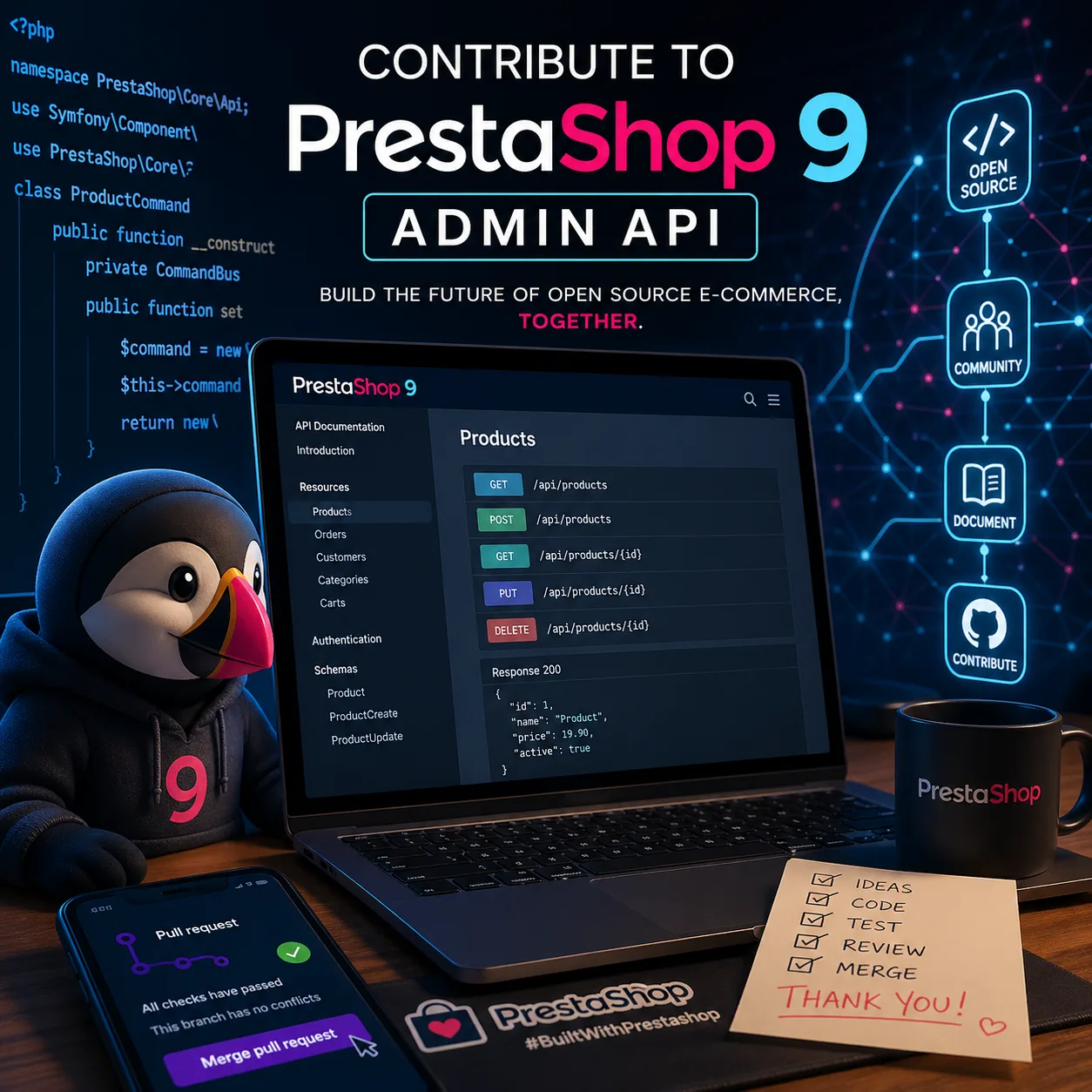
Contributing to PrestaShop 9’s new Admin API can seem intimidating. We read words like CQRS, API Platform, OAuth2… and many developers think:
“Wow, I’ll need to follow weeks of training before laying my first brick.”
Actually, it’s false ✅ With only 8 well-understood concepts, you can create a functional endpoint in less than an hour.
In this guide, I’ll explain each building block as if we were together in a classroom: I set the context, illustrate with a concrete example, then we move forward step by step.
1. #[ApiResource]: The Magic Label
Imagine a library. As long as a book doesn’t have a barcode, impossible to borrow it.
In PrestaShop, this barcode is #[ApiResource]. It tells API Platform: “This class is a resource exposed by the API.”
- Without it → the class remains invisible
- With it → it becomes a REST entry point
📚 Read official ApiResource doc
2. CQRSGet and CQRSCreate: Separating Reading and Acting
PrestaShop 9 applies a clear discipline:
- Reading data → role of Queries
- Modifying data → role of Commands
👉 This is the CQRS pattern (Command Query Responsibility Segregation).
Concretely:
CQRSGet→ “When doing a GET, execute this Query.”CQRSCreate→ “When doing a POST, execute this Command, then return the result thanks to this Query.”
📚 Learn more about CQRS in PrestaShop
3. URI Templates: Your Resources’ Address
Each resource needs a readable and structured address.
<span class="s1">'/products/{productId}'</span>
➡️ Here, the API responds to /products/123 with 123 as parameter.
You can nest multiple levels:
/categories/{categoryId}/products/{productId}
👉 Think of it as a city map: your URIs are the streets where developers will navigate.
4. DTOs: Data Bags
A DTO (Data Transfer Object) = a backpack 🎒 It does nothing by itself, just transports data.
Minimalist example:
<span class="kd">class</span> <span class="nc">Product</span> <span class="p">{</span>
    <span class="k">public</span> <span class="kt">int</span> <span class="nv">$id</span><span class="p">;</span>
    <span class="k">public</span> <span class="kt">string</span> <span class="nv">$name</span><span class="p">;</span>
<span class="p">}</span>
No business logic here. 👉 All intelligence already lives in your Commands and Queries.
5. OAuth Scopes: Access Badges
An API is an open door. But who has the right to enter? The answer: OAuth2 scopes.
Each operation declares necessary permissions. Examples:
product_read→ read productsproduct_write→ modify products
See them as company access badges. Without the right badge → no entry.
6. Requirements: Filtering at the Door
An endpoint /products/{productId} must receive a numeric identifier. But what if someone sends /products/abc?
👉 Add a requirement:
<span class="n">requirements</span><span class="o">:</span> <span class="p">[</span><span class="s1">'productId'</span> <span class="o">=></span> <span class="s1">'\\d+'</span><span class="p">]</span>
Result: only URLs with a number (/products/123) are accepted. It’s the bouncer at the nightclub entrance: wrong outfit → no entry.
7. The Identifier: Your Resource’s ID Card
API Platform must know which field represents the unique identifier. Otherwise, impossible to properly manage your resources.
So we add:
<span class="c1">#[ApiProperty(identifier: true)]</span>
<span class="k">public</span> <span class="kt">int</span> <span class="nv">$id</span><span class="p">;</span>
Only one field must play this role. 👉 It’s your resource’s social security number.
8. Organization: One Folder per Entity
Last concept: a bit of discipline! In ps_apiresources, each resource lives in its folder:
ps_apiresources/src/ApiPlatform/Resources/Product/
👉 Like a well-organized backpack: one subject = one notebook, one resource = one folder.
📚 Explore ps_apiresources GitHub repo
Concrete Example: Product Resource
<span class="cp"><?php</span>
<span class="kn">namespace</span> <span class="nn">PrestaShop\Module\APIResources\ApiPlatform\Resources\Product</span><span class="p">;</span>

<span class="kn">use</span> <span class="nc">ApiPlatform\Metadata\ApiResource</span><span class="p">;</span>
<span class="kn">use</span> <span class="nc">ApiPlatform\Metadata\ApiProperty</span><span class="p">;</span>
<span class="kn">use</span> <span class="nc">PrestaShopBundle\ApiPlatform\Metadata\CQRSGet</span><span class="p">;</span>
<span class="kn">use</span> <span class="nc">PrestaShopBundle\ApiPlatform\Metadata\CQRSCreate</span><span class="p">;</span>

<span class="c1">#[ApiResource(</span>
    <span class="n">operations</span><span class="o">:</span> <span class="p">[</span>
        <span class="k">new</span> <span class="nc">CQRSGet</span><span class="p">(</span>
            <span class="n">uriTemplate</span><span class="o">:</span> <span class="s1">'/products/{productId}'</span><span class="p">,</span>
            <span class="n">requirements</span><span class="o">:</span> <span class="p">[</span><span class="s1">'productId'</span> <span class="o">=></span> <span class="s1">'\\d+'</span><span class="p">],</span>
            <span class="nc">CQRSQuery</span><span class="o">:</span> <span class="nc">GetProductForEditing</span><span class="o">::</span><span class="n">class</span><span class="p">,</span>
            <span class="n">scopes</span><span class="o">:</span> <span class="p">[</span><span class="s1">'product_read'</span><span class="p">]</span>
        <span class="p">),</span>
        <span class="k">new</span> <span class="nc">CQRSCreate</span><span class="p">(</span>
            <span class="n">uriTemplate</span><span class="o">:</span> <span class="s1">'/products'</span><span class="p">,</span>
            <span class="nc">CQRSCommand</span><span class="o">:</span> <span class="nc">AddProductCommand</span><span class="o">::</span><span class="n">class</span><span class="p">,</span>
            <span class="nc">CQRSQuery</span><span class="o">:</span> <span class="nc">GetProductForEditing</span><span class="o">::</span><span class="n">class</span><span class="p">,</span>
            <span class="n">scopes</span><span class="o">:</span> <span class="p">[</span><span class="s1">'product_write'</span><span class="p">]</span>
        <span class="p">)</span>
    <span class="p">]</span>
<span class="p">)]</span>
<span class="kd">class</span> <span class="nc">Product</span>
<span class="p">{</span>
    <span class="c1">#[ApiProperty(identifier: true)]</span>
    <span class="k">public</span> <span class="kt">int</span> <span class="nv">$productId</span><span class="p">;</span>

    <span class="k">public</span> <span class="kt">string</span> <span class="nv">$name</span><span class="p">;</span>
    <span class="k">public</span> <span class="kt">float</span> <span class="nv">$price</span><span class="p">;</span>
    <span class="k">public</span> <span class="kt">bool</span> <span class="nv">$active</span><span class="p">;</span>
<span class="p">}</span>
Tip: “Cheating” with Existing Commands and Queries
The secret? No need to reinvent everything: most Commands and Queries already exist in PrestaShop core!
To discover them:
php bin/console prestashop:list:commands-and-queries
Examples:
AddProductCommand/GetProductForEditingAddCategoryCommand/GetCategoryForEditingAddCustomerCommand/GetCustomerForEditing
📚 Official Commands/Queries list
How to Start Today?
- Join Slack
#cfc-adminapito ask your questions. - Explore existing resources in ps_apiresources.
- Copy the template above, adapt it, propose a Pull Request.
Conclusion: Learning by Walking
Many hesitate to contribute because they believe they must master everything before starting. The truth: we learn by contributing.
With these 8 simple concepts, you already have the keys to write an endpoint. Advanced notions (State Providers, Processors, Serialization Groups…) will come naturally with practice.
👉 The best time to start was yesterday. The second best time is today.
🔗 Useful Resources
Article published on September 12, 2025 by Nicolas Dabène - PrestaShop Expert & open source contributor since 2010.
